
Chapter 7
Blurt and AI
Blurt is an open social blockchain looking toward the future. With Blurt MCP, a compatible AI assistant can become a conversational door into its public accounts, content, communities, witnesses and rewards.
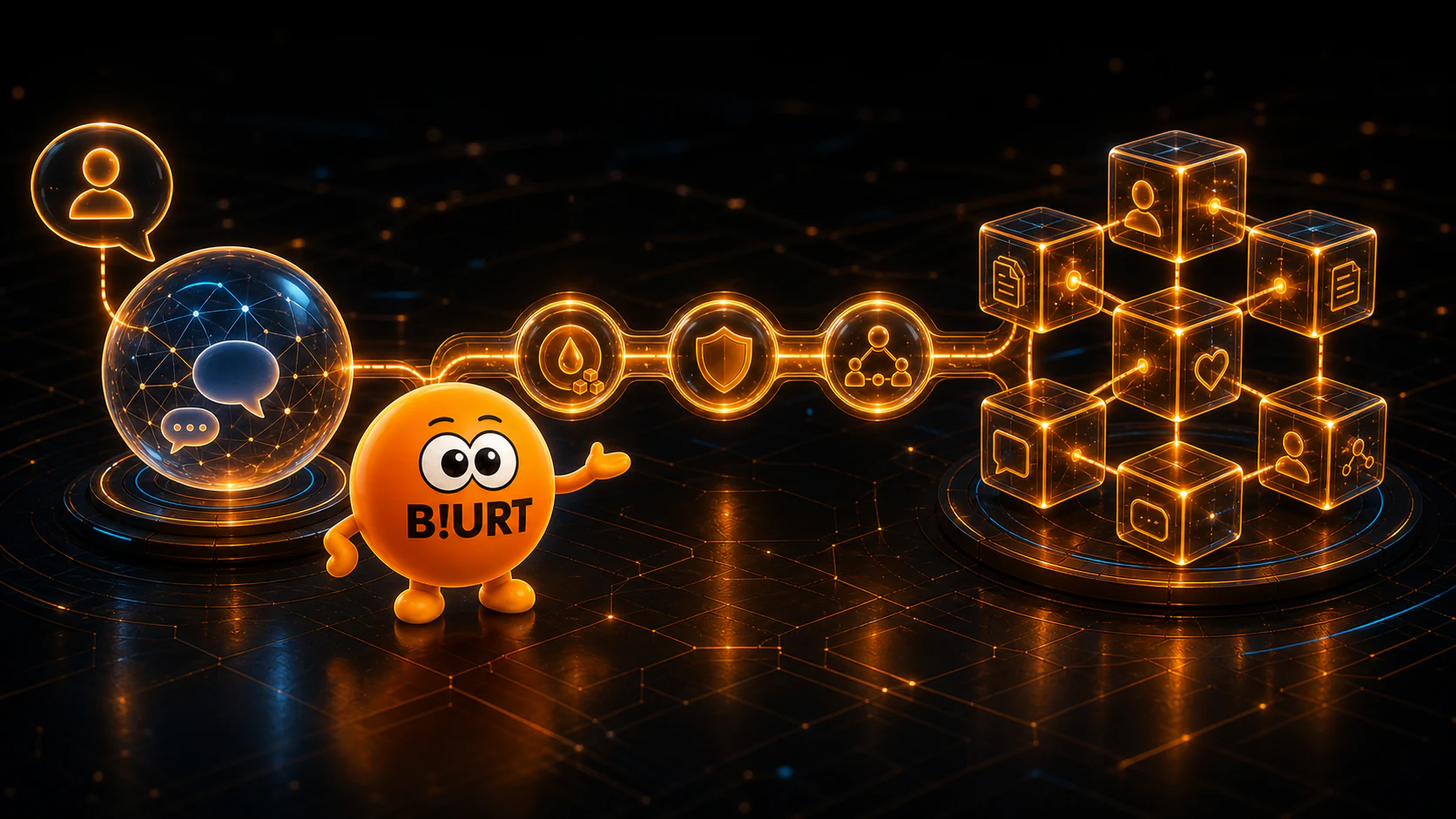
Blurt, open to AI
Blurt does not live inside a single website. Its public blockchain can support many independently operated interfaces, tools and experiences built around the same accounts and on-chain activity.
An AI assistant is another possible interface. It can help you understand public blockchain information and, when you deliberately configure local signing, prepare selected actions without taking ownership of your identity.
Public by design
Accounts, publications, votes and network activity recorded on-chain can be read through compatible tools.
Ask naturally
Describe what you want to learn in ordinary language instead of navigating raw RPC responses.
Use documented tools
The connector tells the assistant which Blurt tools exist, what they do and which information they require.
What is Blurt MCP?
MCP stands for Model Context Protocol. Think of it as a standard bridge through which an AI assistant can call clearly described tools rather than scrape pages, guess API requests or invent blockchain data.
Blurt MCP implements that bridge for the Blurt ecosystem. You ask a question, your assistant chooses the appropriate tool and the connector returns structured information from the relevant public sources.
- 1
Ask
Write a normal question about an account, publication, community or the network.
- 2
Connect
Your assistant selects one or more Blurt MCP tools suited to the request.
- 3
Understand
The assistant turns the returned public data into a useful, readable answer.
What can you explore?
The public connector covers the subjects a user, creator, curator, witness or developer most often needs to understand.
Accounts and wallets
Read profiles, liquid balances, Blurt Power, delegations, operation history and rewards.
Content and curation
Find publications, open discussion trees and examine voters, vote values and reblogs.
Communities and social activity
Discover communities, account subscriptions, relationships and recent notifications.
Witnesses and the network
Review witness ranking and health, witness votes, network status, supply and the reward pool.
Market and voting estimates
Consult current BLURT market information and estimate an account’s vote value at a chosen weight.
Compare and discover
Compare public account metrics, look up account names and explore ranked content.
Try a conversation
You do not need to remember tool names. Start with a clear question and add the detail that matters to you.
Analyze the account @nalexadre: profile, Blurt Power, vote value and latest publications.
Find Blurt communities about photography and show me what each one is for.
Who are the main curators of this publication, and what was the estimated value of their votes?
List the leading Blurt witnesses and flag any that appear inactive or behind on version.
Compare these two accounts by stake, social reach, publishing activity and rewards.
Explore first, act when you choose
Reading public data and signing an on-chain operation are intentionally separate capabilities.
Hosted and read-only
The public endpoint is anonymous, requires no installation and holds no private key. It can explore Blurt, but it cannot post, vote, transfer or change blockchain state.
Local and opt-in
A local setup can enable selected actions with Posting authority only. Active and Owner keys are refused, and Posting authority cannot move funds.
Depending on the capability profile you choose, a local assistant can claim rewards, upvote, follow or mute accounts, subscribe to communities, reblog, comment, publish and mark notifications as read.
Understand local write operationsYour AI remains your assistant
AI can help you organize ideas, correct a text, translate, research or create visual support. But your experiences, opinions, judgment and way of telling a story remain yours. A good assistant does not replace your voice: it helps you express it better.
Let AI assist
Use it to brainstorm, structure a draft, improve clarity, translate your work, check references, make content accessible or support a technical project.
Keep what makes it yours
Choose the subject, contribute the lived experience, verify the facts, defend your point of view and make the final editorial decisions.
AI assistance belongs in a creator’s toolbox. When its contribution becomes substantial, a simple note about how it helped can add useful context and strengthen trust with your readers.
Connect your preferred AI
Blurt MCP works with many MCP-capable clients, including ChatGPT web connectors, Claude Desktop and Claude Code, Mistral Vibe, Codex, Cursor and Gemini CLI. Connection steps vary by client, so use the maintained configuration snippets.
- ChatGPT
- Claude
- Mistral Vibe
- Codex
- Cursor
- Gemini CLI