
Chapter 2
Understanding the four keys
A Blurt account separates its permissions instead of relying on one password for everything. Knowing the role of each key helps you use dApps without granting more authority than an action needs.
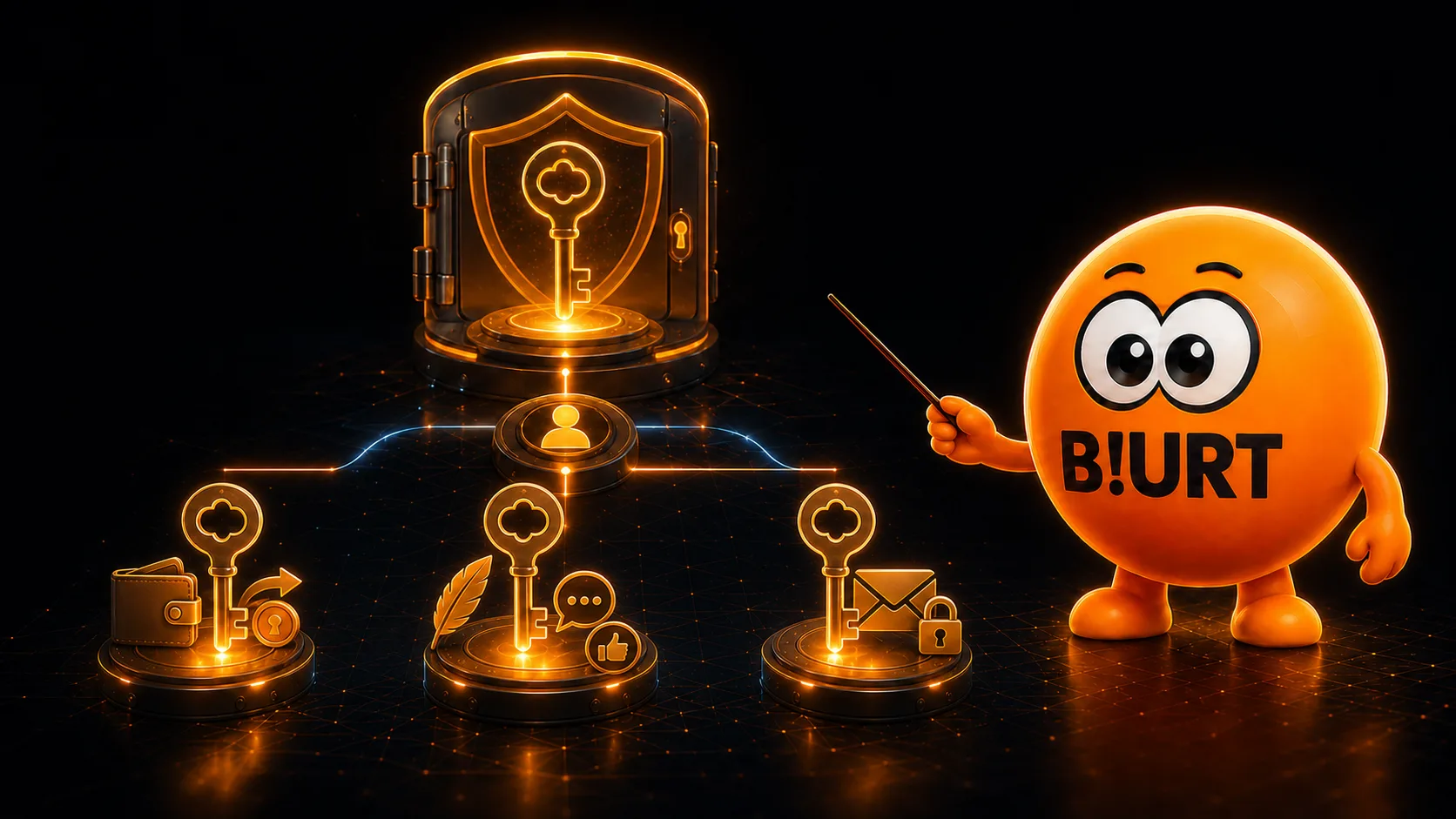
Why does one account have several keys?
The blockchain stores public owner, active and posting authorities for your account, plus a public memo key. The corresponding private keys stay secret and let compatible software prove that you authorize an operation.
This separation limits risk. A social app can work with Posting authority without receiving the power to transfer your funds, while a wallet can request Active authority only when a financial or governance operation requires it.
Highest authority
Owner key
Owner is the account's highest authority. It is required to replace the Owner authority and for rare, critical actions such as changing the recovery account or declining voting rights.
At protocol level, Owner authority can also satisfy operations that require Active or Posting authority. That makes it a powerful fallback, not a convenient everyday login.
Best practice
Keep your private Owner key offline and use it only when you must change or recover critical account control. Never enter it to publish, vote or make a routine transfer.
Financial and account operations
Active key
Active authority controls operations that can move value, change stake or affect important account settings. An exposed private Active key can cause serious financial damage, even though it cannot replace Owner authority.
Active authority can also update the Active, Posting and Memo public keys. Use it in a trusted wallet when the requested operation genuinely needs it.
- Send BLURT transfers and manage escrow operations.
- Power up, start or change a power down, and delegate Blurt Power.
- Move funds into or out of savings.
- Vote for witnesses or choose a witness-voting proxy.
Social authority
Posting key
Posting authority covers everyday social activity: publish and edit posts, comment, vote on content, perform compatible social custom operations and claim reward balances.
It cannot transfer your liquid BLURT or replace your Owner or Active authority. This narrower scope makes the private Posting key the normal choice for signing in to a trusted social frontend.
Message encryption
Memo key
The Memo key is not a transaction authority. Compatible wallets can use its private half to decrypt encrypted transfer memos addressed to your public Memo key, and to help encrypt a memo for another account.
Possessing the private Memo key does not authorize transfers, posts or votes. Its specialized role keeps message encryption separate from the authorities that control account actions.
A memo is not automatically private
Blurt's transfer operation records the memo field as plain text. Encryption is added by compatible wallet software, so confirm that an interface explicitly indicates encryption before including sensitive information.
Master Key and private role keys
When you create an account with Join, your browser generates a P5… Master Key locally. Join then deterministically derives the private Owner, Active, Posting and Memo keys from your account name and that Master Key.
The Master Key is not a fifth on-chain authority. It is the master secret that compatible software can use to regenerate all four private role keys. The blockchain knows the resulting public keys, never your Master Key.
Anyone who obtains your account name and Master Key can regenerate every private role key. Protect it with the same care as your private Owner key.
Which key should you use?
Before entering a private key or approving a signature, match the requested authority to the action you intend to perform.
- Social activity
- Use Posting for posts, comments, content votes and normal social-app actions.
- Funds and stake
- Use Active in a trusted wallet for transfers, savings, Blurt Power, delegations and witness votes.
- Critical control
- Use Owner only for Owner-authority changes, recovery-related settings or another explicitly Owner-level operation.
- Encrypted memo
- Use Memo only through compatible software when encrypting or decrypting transfer memos.