
Chapter 3
Saving and protecting your keys
Your private keys are the control system for your Blurt account. A good security plan must protect against two opposite risks: someone else obtaining them and you losing your only usable copy.
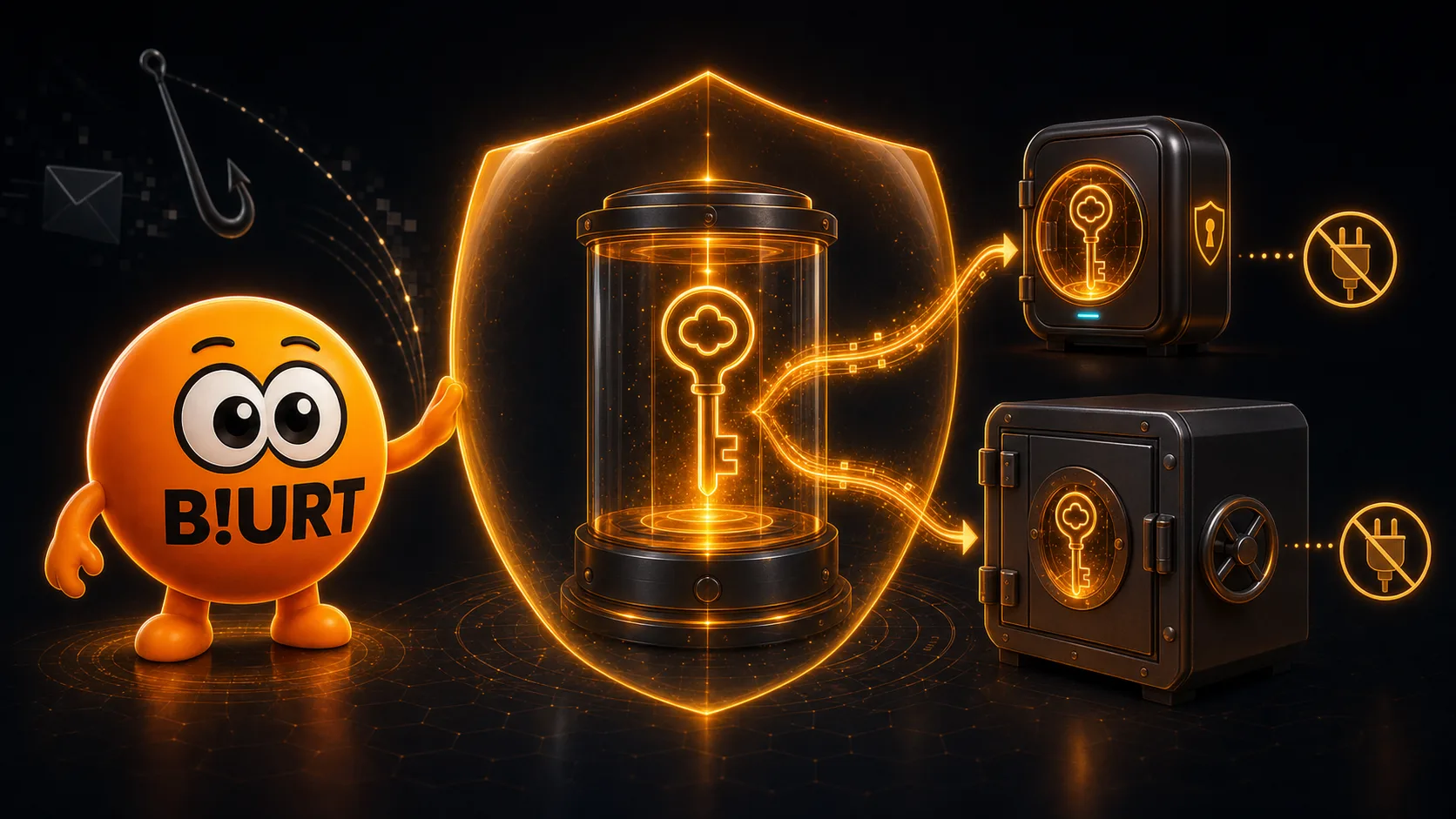
Save your first complete backup
The backup downloaded during Join onboarding contains your account name, Master Key and all four private role keys: Owner, Active, Posting and Memo. Check that the file opens and that its account name and sections are present before relying on it.
Those secrets are created locally in your browser. Join does not keep a server-side copy and cannot send the file to you again after the browser memory is cleared. A successful download only means the file was produced, not that it is safely stored.
Build a resilient backup
A backup should survive a failed phone or computer, a lost drive, theft and a local accident. Avoid any single point of failure by combining independent copies, locations and protection methods.
Keep multiple copies
Maintain at least two complete backups on independent media. Two files on the same device still share one failure.
Separate the locations
Keep one protected copy offline and another in a different secure physical location so one event cannot destroy both.
Verify retrieval
Periodically confirm that each copy can be accessed and read. Do not paste or import a private key merely to test storage.
Your complete vault backup
Archive the Master, Owner, Active, Posting and Memo secrets together in your most protected storage. This is the copy used to rebuild access or rotate authorities.
Your everyday access
Keep only the minimum authority needed on a routine device. A trusted social frontend normally needs Posting, while Owner and the complete backup can remain offline.
Protect every backup copy
Choose storage based on the threats around you. Digital media need protection from malware and remote access; physical copies need protection from observation, fire, water and theft.
Disconnect offline backup media after writing and verifying it. Leaving a backup permanently attached exposes it to the same device compromise. Encrypt digital archives before placing them on synchronized or remotely accessible storage. Do not upload the plain-text Join file. Avoid screenshots, shared notes, chat messages, email drafts and screen sharing. Copies and previews can persist after the visible item is deleted. If you make a paper copy, preserve the exact account name and every character. Use a trusted printing path and store the result somewhere private and durable.
Recognize dangerous requests
Most key theft does not break cryptography. It convinces the account owner to reveal a secret or install software that can read it.
Private keys are never support information
No legitimate support agent needs your private key, Master Key or backup file. Anyone requesting one in a direct message, form or call should be treated as an attacker.
Check the destination
Inspect the full domain before entering a key, use bookmarks for regular services and distrust look-alike addresses. HTTPS protects a connection; it does not prove that a site is trustworthy.
Match authority to the action
Publishing and voting normally need Posting authority. A routine social action that asks for Owner, Active or your Master Key is a reason to stop.
Limit software access
Install wallets and browser extensions only from a source you have verified. Clipboard tools, remote access and screen sharing can expose secrets outside the dApp itself.
If a private key is exposed
Public keys are meant to be visible; seeing one is not a compromise. A private key should be treated as exposed if it was sent, pasted into an untrusted service, photographed, uploaded publicly or stored on a device controlled by someone else.
Removing the visible copy is not enough. Use an uncompromised higher authority and a trusted authority-management tool to replace the affected public authority, then create fresh backups.
- Posting exposed
- Use Active authority, or Owner as protocol fallback, to replace Posting authority. Review recent posts, comments, votes and social custom operations.
- Active exposed
- Use uncompromised Owner authority to replace Active authority immediately. Review transfers, stake, savings, delegations and governance activity, and secure funds at risk.
- Memo exposed
- Use Active authority to replace the Memo public key. Rotation protects future use, but the exposed private key may still decrypt earlier memos addressed to its matching public key.
- Owner exposed
- If you still control it, replace Owner authority immediately with fresh, unrelated key material through a trusted tool. Also rotate any lower authority that may have been exposed with it.
- Master exposed
- Assume all four private role keys are compromised because the Master Key can regenerate them. Rotate Owner, Active, Posting and Memo to fresh authorities that are not derived from the exposed Master Key.
After rotation, verify the account’s current authorities on-chain, inspect recent history and replace every backup that contains an obsolete or compromised secret. A deleted private key cannot cancel signatures or actions already broadcast.
Rotating password-derived authorities
When your Owner or Master secret is exposed and you still control the account, Blurt Wallet’s Change Password tool can replace the password-derived authorities. Securely save the new password and keys before completing the change.
What account recovery can — and cannot — do
If you retain the Master Key, compatible software can regenerate your role keys. If one lower-authority key is lost, the Master Key or an uncompromised higher authority can regenerate or replace it. There is no email-based reset for every lost secret.
Protocol account recovery is primarily designed for a compromised Owner authority that was replaced by an attacker. It requires a recovery-account request, a new Owner authority and proof of a previous Owner authority from the protocol recovery window.
Losing a key
Recovery does not reconstruct or reveal a lost key. Your own Master Key, remaining authorities and verified backups are the normal ways to restore access.
Owner changed by an attacker
Act quickly and contact the account shown on-chain as your recovery account. The recovery partner can endorse a replacement request without receiving your private secrets, but you must still satisfy the required recent and new Owner authorities.
Your security checklist
Your complete backup includes the correct account name, Master Key and all four private role keys. At least two independent copies exist in separate protected locations. You have verified that each copy is readable and that any encryption passphrase is recoverable. Routine devices and dApps receive only the minimum authority they need. You know how to inspect the current authorities and recovery account recorded on-chain.