Chapter 6
Discovering your first dApps
One Blurt account can open many compatible experiences. Choose the interface that fits what you want to do, keep the same on-chain identity and use only the authority each action requires.
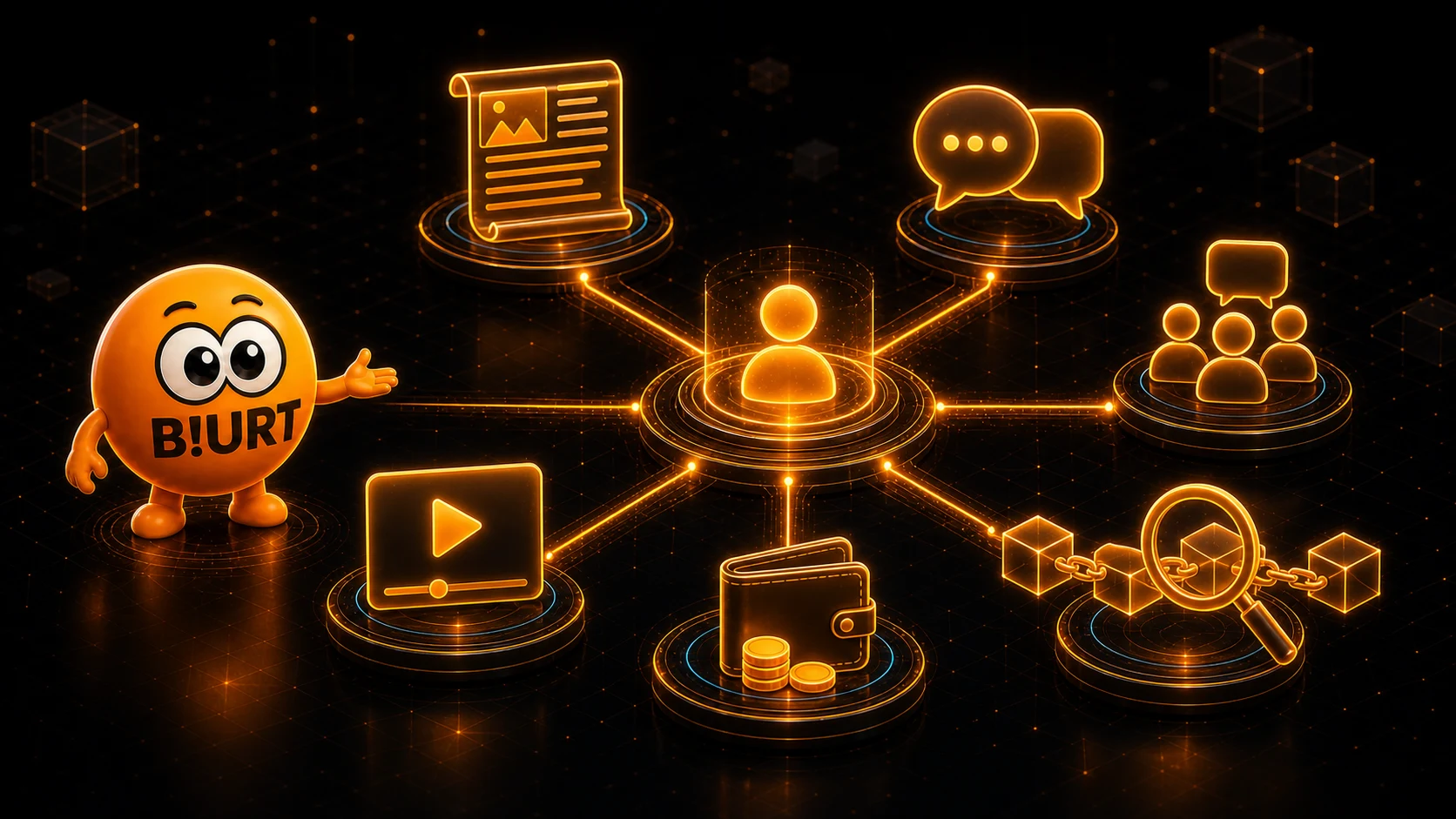
One account, many doors
Blurt dApps are applications and websites built around the same public blockchain. They can present different feeds, editors and tools while reading the same Blurt accounts and on-chain activity.
You do not create a new Blurt identity for each compatible dApp. Your account name, public authorities and blockchain balances remain attached to the same account.
One identity
Your Blurt account name identifies you across compatible social, wallet and exploration interfaces.
Shared blockchain
On-chain publications and account operations can be read by multiple apps, each with its own presentation.
Different experiences
Each dApp chooses its design, discovery features, notifications and additional services.
Manage and verify your account
Wallet and utility interfaces help you manage balances and account actions, while explorers let you inspect public blocks, transactions, operations and account history without signing in.
 Blurt Wallet Manage BLURT, Blurt Power, transfers, rewards and account authorities through a dedicated wallet interface. Open the dApp
 Blurt Plugin Online A community hub bringing together account, publishing and helper tools for Blurt users. Open the dApp Blurt Explorer The official Blurt block explorer for inspecting public blocks, transactions, accounts and witness activity. Open the dApp BlurtScan An alternative Blurt explorer with account, transaction and block search plus live network statistics. Open the dApp
Connect with the right authority
First decide what the application needs to do. Reading public information and signing an operation are separate capabilities.
- Read without signing
- Public posts, profiles, balances, blocks and transactions can be explored without entering a private key.
- Social actions
- Use Posting authority for publishing, commenting and content votes in a trusted social dApp.
- Wallet actions
- Use Active authority only when a trusted interface prepares a transfer, Power Up, Power Down, savings, delegation or another Active-level operation.
A simple first tour
You can discover the ecosystem gradually. Each step builds on the account knowledge from the previous chapters.
- 1Browse several posts or communities on Blurt Blog or BeBlurt and notice how each interface presents the same network differently.
- 2Use Posting authority or a compatible signer to leave a thoughtful comment or vote for content you appreciate.
- 3Search your account in Blurt Explorer or BlurtScan and find the public operation you just broadcast.
- 4Try Twiggy for short updates, BlurtForum for community discussions or Blurt Media for video, then return to the wallet to follow your rewards.
Choose your social experience
Start with the format that feels natural to you: long articles, short updates, forum discussions or video. Content published on-chain through these apps becomes visible across the shared Blurt blockchain.